
The challenge
Print production is fragmented
Most print companies rely on a patchwork of disconnected systems — order platforms, prepress tools, MIS software, and local automation — that don't naturally talk to each other.


Disconnected systems
Orders arrive from multiple channels — web-to-print shops, email, FTP, order platforms — each with its own format. Getting data from point A to point B requires manual steps or custom scripting.

File quality issues
Print files arrive in unpredictable quality. Checking compliance, fixing color spaces, and generating proofs happens manually — taking time and introducing risk of errors reaching the press.
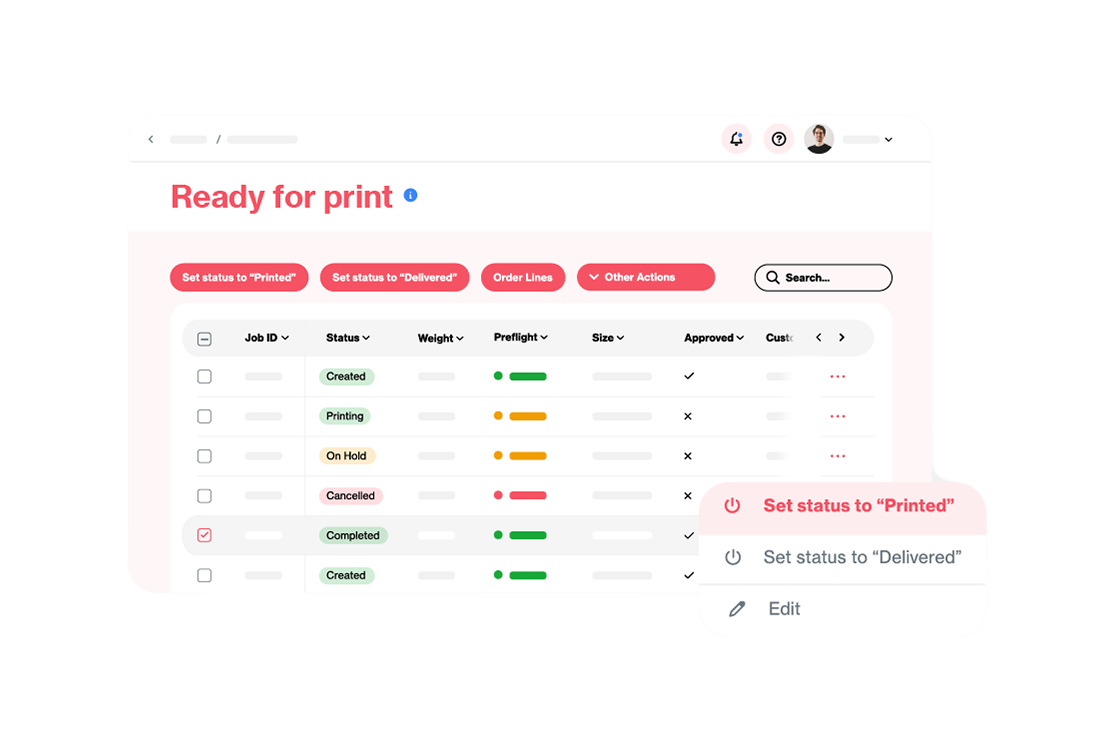
Limited visibility
Without a central dashboard, it's difficult to see where orders stand, what needs attention, and how production is progressing. Information lives in separate systems and inboxes.
The platform
Atomyx connects everything in your print workflow
Atomyx is a **cloud-based integration platform** (iPaaS) built specifically for the print and packaging industry. Rather than replacing your existing tools, Atomyx connects them — creating a seamless flow from the moment an order arrives to the moment it ships.
The platform consists of three products that work together but can also be used independently. Each one addresses a specific part of the print production chain: connecting systems, processing files, and accepting customer orders.
Because Atomyx runs in the cloud, there's nothing to install locally. Your team accesses it through a web browser, and it scales with your business — whether you handle 50 orders a day or 5,000.
AI-ready: The Atomyx MCP server
Atomyx is one of the first print production platforms to be AI-ready through its own MCP server — making it possible for AI assistants and agents to interact directly with your print production data and workflows.
What is MCP?
MCP stands for Model Context Protocol — an open standard introduced by Anthropic and now maintained by the Linux Foundation. MCP provides a universal way for AI applications (like Claude, ChatGPT, or custom AI agents) to connect to external systems and data sources. Think of it as a standardized plug that lets AI tools talk to the software you already use.
Before MCP, connecting an AI assistant to a business system required custom integrations for every combination of AI tool and application — an approach that didn't scale. MCP solves this by providing one open protocol that works across AI platforms. It has been adopted by Anthropic, OpenAI, and a growing number of enterprise software providers.
What does the Atomyx MCP server do?
The Atomyx MCP server exposes your Atomyx platform to AI assistants and agents in a secure, controlled way. This means an AI tool can:
Query your production data: Ask natural-language questions about your orders, statuses, and workflows. For example: "Which orders from this week are still waiting for preflight?" or "Show me all orders from customer X that failed preflight in the last month."
Trigger actions: Instruct the AI to perform operations through Atomyx: "Preflight this PDF against GWG 2022 standards" or "Route this order to the large-format production queue." The AI sends the instruction through MCP, Atomyx executes it.
Build intelligent workflows: Combine AI reasoning with Atomyx capabilities. An AI agent could monitor incoming orders, flag anomalies, suggest production schedules, or automatically respond to common customer questions by pulling data directly from Atomyx.
Integrate with broader AI workflows: Because MCP is an open standard, the Atomyx MCP server works alongside MCP servers from other tools. An AI agent could, for example, pull order data from Atomyx, cross-reference it with information from your CRM, and draft a customer update — all in one flow.
Why this matters?
The print industry is entering an era where AI can assist with operational decisions, automate complex multi-step processes, and provide instant insights from production data. By offering an MCP server, Atomyx ensures your production platform is ready for this future — without requiring custom AI development or proprietary integrations.
This isn't AI for the sake of AI. It's about making Atomyx's API gateway accessible to the next generation of tools — AI assistants that your team and your customers are already starting to use.
Common use cases
Atomyx is used by commercial printers, online print shops, packaging producers, wide-format companies, and print management firms across Europe and beyond.
Automated prepress pipeline (Manage + Prepare): Orders arrive from your web-to-print platform and are automatically preflighted, corrected, and routed to production. Operators only step in when there are exceptions — saving hours of manual prepress work every day.
Multi-channel order consolidation (Manage): You receive orders from multiple sources — your own web shop, partner platforms like RedBubble or Gelato, direct clients through email. Manage brings them all into one dashboard with normalized data, so your team works from one screen.
Online Print gateway (Manage): Use Atomyx as the single API layer between your web-to-print frontend and your production backend. Orders from any W2P platform flow through Atomyx, are transformed, enriched, and routed — with no point-to-point integrations to maintain.
End-to-end customer portal (Submit + Manage + Prepare): Give your customers a branded portal where they upload artwork, see instant quality feedback, approve proofs, and track their orders — while behind the scenes, Manage orchestrates the workflow and Prepare handles file processing.
Prepress as a service (Prepare): Integrate Atomyx Prepare's API directly into your own application or web-to-print platform. Offer customers real-time preflight feedback and automatic file correction — without building a prepress engine from scratch.
AI-assisted production (MCP): Connect an AI assistant to Atomyx through MCP and let it answer production questions, flag issues, trigger preflighting, or draft customer communications — all grounded in your real-time production data.
atomyx manage
Your central dashboard and API hub for orders, connections, and production workflows.
Atomyx Manage is the hub of the platform — the place where all connections come together. It connects your order sources, production tools, and business systems through a plug-in architecture, then gives you a visual dashboard to monitor and manage everything. Think of it as both the control room and the API router for your print production.


Plug-in connectivity
Connect to any system in your production chain through ready-made plug-ins. Categories include order platforms, web-to-print shops (Infigo, DesignNBuy, Aleyant, PrintXpand), MIS/ERP systems, CRM, file sharing services, prepress tools, local automation (like Enfocus Switch or HP SiteFlow), RIPs, payment and accounting platforms, and more. New plug-ins are added continuously.
API in, API out
Atomyx Manage is fully API-driven. External systems push orders in; Manage processes, transforms, and routes them out to downstream systems. This makes Atomyx the natural gateway between your web-to-print frontends and your production backend.

Full production visualization
Atomyx doesn't just show orders — it lets you visualize your entire production process. Build fully customized views tailored to each stage and each user: order entry, prepress, printing, finishing, shipping, or any other step that fits your process. Every view is configurable with table overviews, detail pages, and editing screens, so each team member sees exactly what they need. If your workflow is different from the standard, no problem — you can make it whatever you need it to be

Automated workflows
Build automated workflows that act on your data. Trigger actions when an order arrives, a status changes, or on a schedule. For example: when a new order comes in, automatically preflight the files, update the status, and notify production — without manual intervention.
Data transformation
Each connected system speaks its own language. Atomyx Manage uses transformers to convert data between formats automatically — mapping order fields, product codes, and status values so your systems stay in sync without manual translation.
Manual intervention when needed
Not everything can be automated. Manage gives operators the ability to step in when needed — approving layouts, updating statuses, adding notes — through an intuitive web interface that requires no technical knowledge.
atomyx submit
A customer-facing portal for file upload, preflight, and order submission.
Atomyx Submit is a branded upload portal that your customers use to submit print files. It guides them through uploading artwork, automatically preflights their files using Atomyx Prepare, shows them the results, and lets them approve or fix issues before the order enters your production pipeline through Atomyx Manage. It turns file intake from a back-and-forth process into a self-service experience.


Guided file upload
Customers upload their artwork through a clean, intuitive interface. The portal guides them through the process step by step — select the product, upload files, review results — with no technical knowledge required.

Automatic preflight on upload
Every uploaded file is immediately preflighted against your quality standards using Atomyx Prepare. Customers see any issues right away — before the file enters production — dramatically reducing back-and-forth communication.
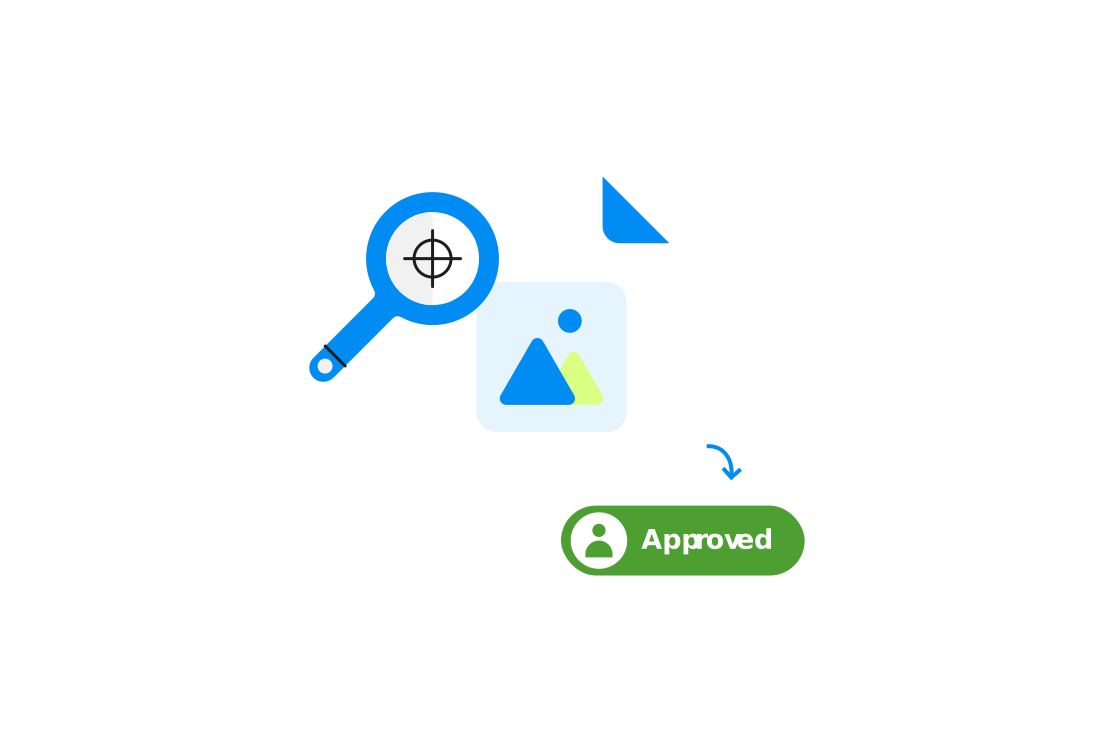
Visual proof & approval
After upload and preflight, customers see a preview of how their file will look when printed. They can approve the proof or upload a corrected version — all without leaving the portal or sending emails.
Order management
Customers can view the status of their orders, track progress, and access their order history. This self-service capability reduces the volume of status inquiries your team handles by phone and email.

Seamless production handoff
Once a customer approves their order in Submit, it flows directly into Atomyx Manage. All order data, files, and preflight results are passed along — no re-entry, no lost information, no delays.
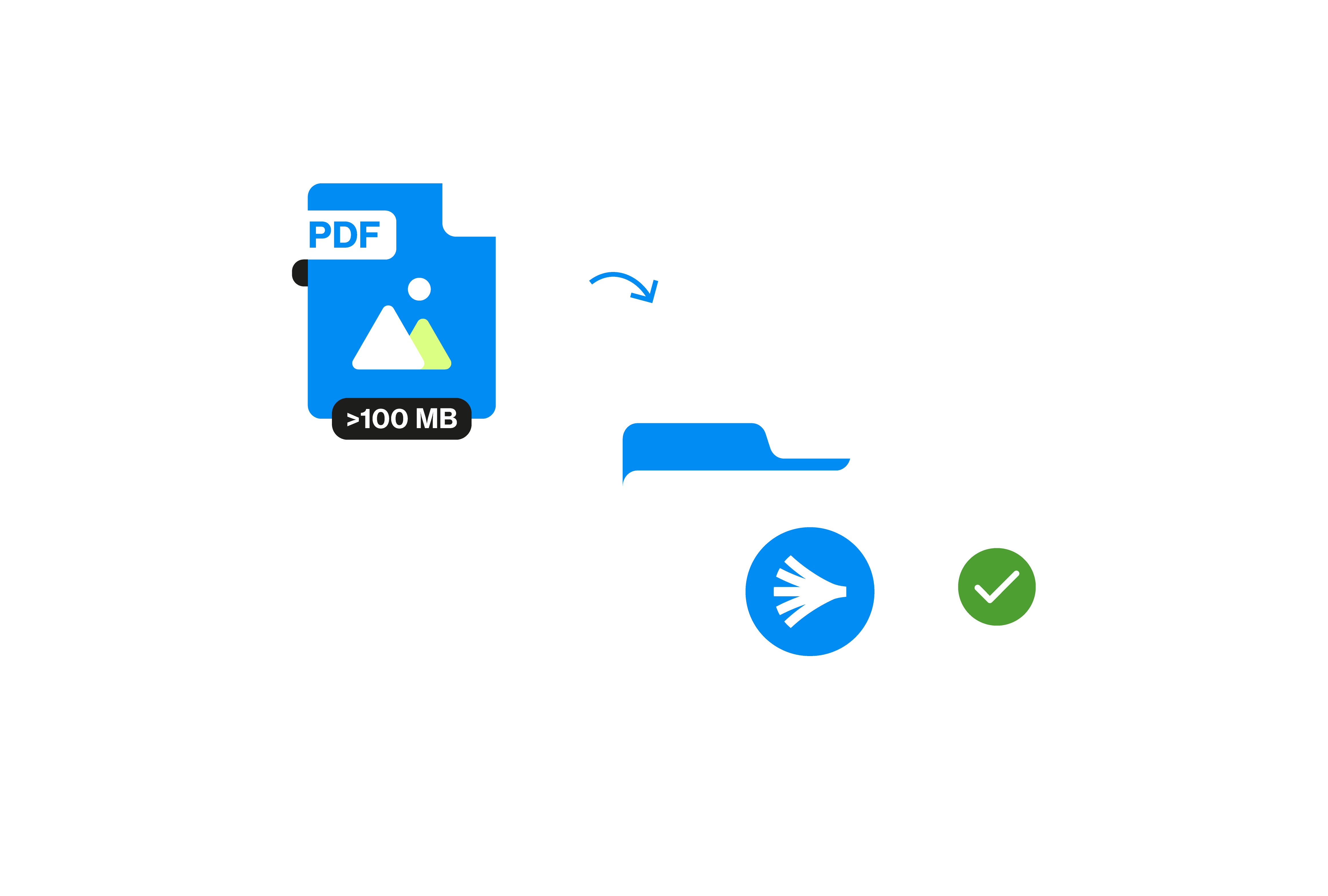
Branded experience
The portal carries your company's branding, so customers experience it as part of your service — not a third-party tool. This reinforces your brand while providing a modern, digital ordering experience.
atomyx prepare
Cloud-based PDF processing and prepress automation API
Atomyx Prepare is a SaaS API that handles everything that needs to happen to a print file before it reaches the press. Built on callas pdfToolbox technology — the industry standard for PDF processing — it provides preflighting, color conversion, standards compliance, proof generation, and much more, all accessible through simple API calls or through Atomyx Manage.
Because it's a pure API, Atomyx Prepare can be integrated into any application: your own web-to-print platform, a third-party order system, a mobile app, or a custom workflow. Send a file in, get a processed file back — it's that straightforward.

Preflighting & correction
Automatically check incoming PDF files against industry standards including PDF/X, PDF/A, GWG 2015, and GWG 2022. Files can be checked only (reporting issues) or corrected automatically — fixing common problems before they reach production.

Color management
Convert color spaces with precision: RGB to CMYK, spot color handling, ISO Coated profiles, and more. Ensure every file matches your output requirements without manual intervention in desktop applications.

Preview & proof generation
Generate visual previews and soft proofs directly from the API. Customers and operators can review how a file will look when printed — without opening it in a desktop application. Ideal for approval workflows.

Barcode placement & stamping
Place barcodes on documents with precise control over type, position, size, and color. Stamp content dynamically — text, images, or data-driven elements — directly onto PDFs through a simple JSON-based API.

Special print preparation
Handle specialty production requirements like adding undercolor white separation, creating die-line layers, and preparing files for specialty finishing processes such as banners, wallpaper, and tiling.

Simple, task-oriented API
Beyond the full pdfToolbox capabilities, Atomyx Prepare offers "magic" endpoints — single API calls that combine multiple processing steps. For example, one call to preflight, correct, and generate a preview. No need to understand the complexity underneath.
